A friendly green tree frog fading into a detailed Minecraft block sculpture against a nearly black background, centered and softly lit.

3d to litematic builds in seconds

Have a model ready?
Upload on the creator
CONTINUE TO THE CREATOR TO ADD YOUR FILE
Don't have a 3D model?
Describe a build to get started.
OR TRY AN EXAMPLE
Your idea opens in the creator.
IN GAME

See it in action

Model to buildIn the browser
A green frog model beside its block-built counterpart in a Minecraft landscape.
Need a starting point? Explore the workflow
FROM MODEL OR IDEA TO MINECRAFT BUILD
START TO FINISH

How it works

1

Prepare your model

Choose the 3D object you want to bring into your Minecraft world, or start with a description of one.

2

Bring an idea into the creator

Continue with a model, an image or a written prompt and explore how it could become a block-based build.

3

Check the shape and scale

Think about the size, silhouette and level of detail you want before taking the build into your world.

4

Choose a block style

Compare materials and colours to find a Minecraft look that suits the original design.

5

Take the build into your world

Follow the available options in the creator to continue from the design to your Minecraft project.

A classical stone figure recreated with closely fitted Minecraft blocks.
BY THE NUMBERS

Built for big ideas

3D → blocks
A NEW WAY TO VISUALISE A BUILD
Model → world
FROM AN OBJECT TO A MINECRAFT IDEA
Your style
MAKE THE RESULT YOUR OWN
WHAT'S IN THE BOX

Feature highlights

A 3D object becoming a cluster of bright Minecraft blocks against a charcoal studio background.

From idea to blocks

See how a model or description can take on the unmistakable shape of a Minecraft build.

A detailed dark software settings panel with sliders, colour controls and block conversion options.

Make it your own

Consider the shape, scale and materials that bring your original concept to life.
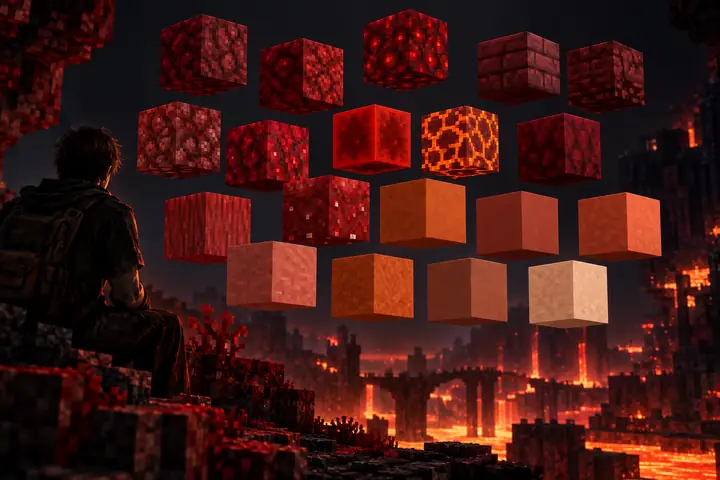
Floating red and terracotta Minecraft blocks arranged as a carefully chosen colour palette on a dark background.

Pick your palette

Different block colours can give the same design a completely different character.
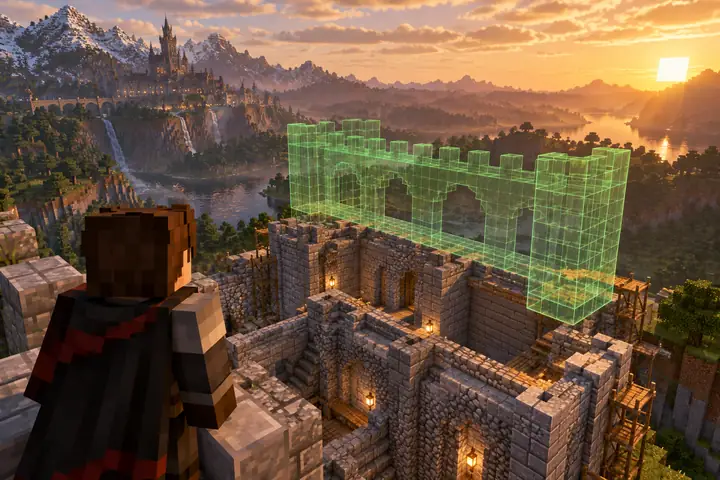
A translucent green wireframe block preview floating over a partially built Minecraft stone structure.

Preview the build

Look at a design as a structure before deciding how to bring it into a world.
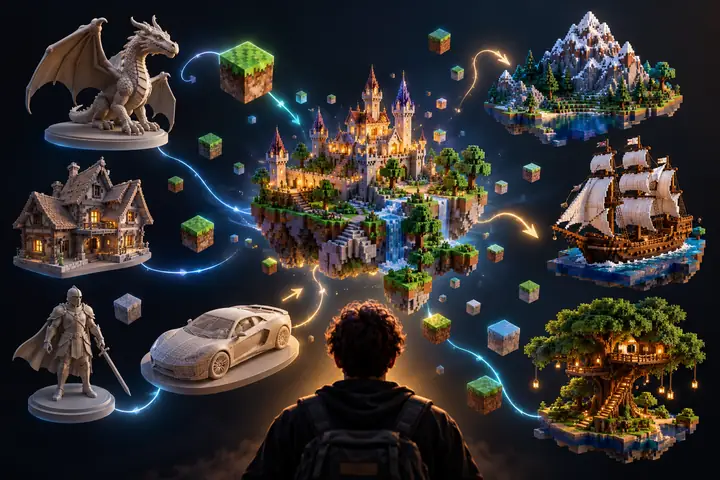
A neat constellation of small 3D modelling and Minecraft-style application icons on a dark canvas.

Start with what you have

Work from a visual reference, a model or just a clear description of the build.
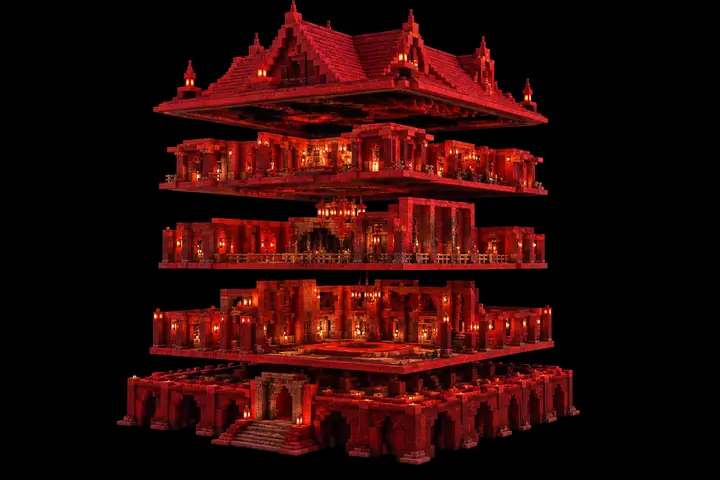
A red Minecraft block sculpture separated into distinct horizontal construction layers against black.

Think layer by layer

Break complex shapes into manageable building decisions as you plan your project.

Room for imagination

Try anything from a tiny decorative object to a large world centerpiece.

Your next project

Bring a concept to the creator when you are ready to explore it further.

Build with intention

Start with the silhouette and refine the details that matter most.

Made for builders

Turn visual inspiration into an idea you can use in Minecraft.

Focus on the subject

Keep the defining parts of a model at the center of the design.

Keep exploring

Try another prompt or reference whenever a new idea strikes.

AI GENERATION

Create from images/text

Start with an image or describe what you have in mind, then continue to the creator to explore a model for your build.

Text promptImage prompt
Describe the build you imagine|
Explore your idea
Try it yourself
FEATURE
Model route
Idea route
Starting point
3D object
Prompt or image
Best for
Existing designs
New concepts
Minecraft inspiration
✓
✓
Block-based result
✓
✓
A personal build idea
✓
✓
What you choose
The model
The description
✺ PRO-LEVEL IDEAS

The whole toolbox,
unlocked.

There is more than one way to shape a Minecraft build. Start with the core idea and explore the details that make it yours.
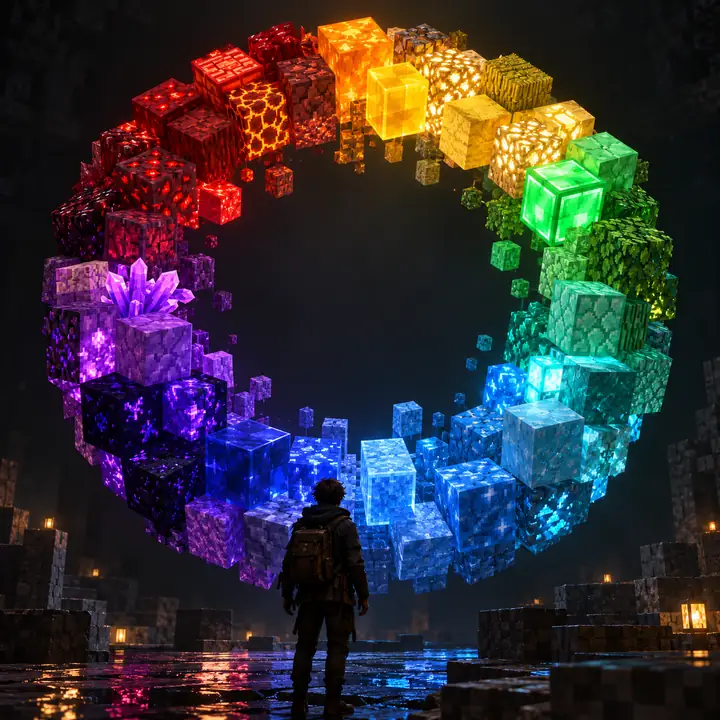
A circular spectrum of Minecraft block textures in jewel-like colours on a charcoal background.

Texture inspiration

Think beyond a single block colour when choosing the look of your design.
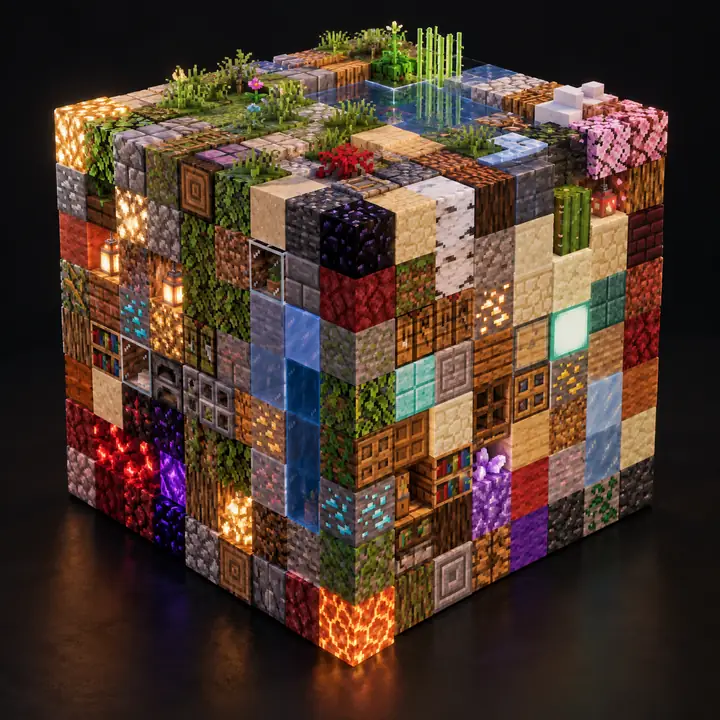
A cube assembled from many colourful and finely textured Minecraft blocks, isolated on a dark background.

More block styles

See how material choices can change the feel of the same underlying shape.

A dark code editor showing neatly arranged short lines for a Minecraft building workflow.

Creative workflows

Take inspiration from more detailed ways to plan and refine a build.
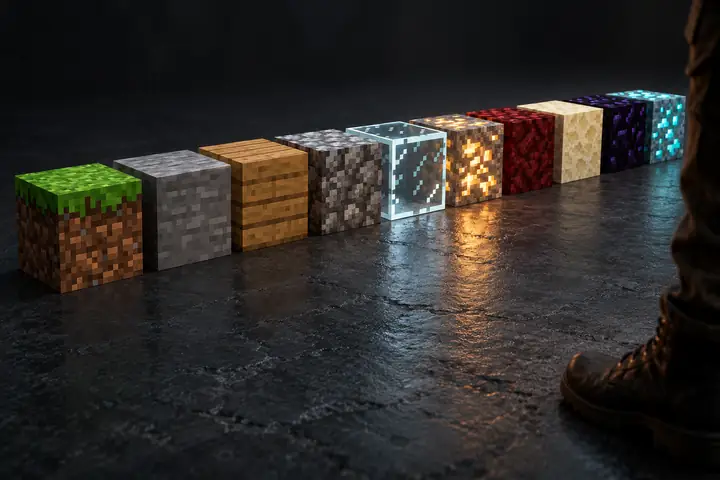
A tidy row of varied Minecraft block types, each with a distinct texture and colour, on dark charcoal.

Find the right blocks

Match the materials to the world and visual style you have in mind.
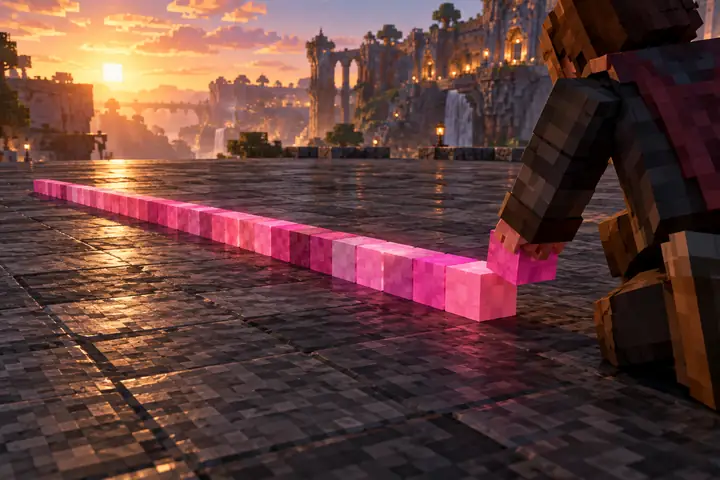
A pink strip of individually coloured voxels being placed on a broad dark stone Minecraft floor.

Refine the details

Small decisions about shape and colour make a big difference up close.
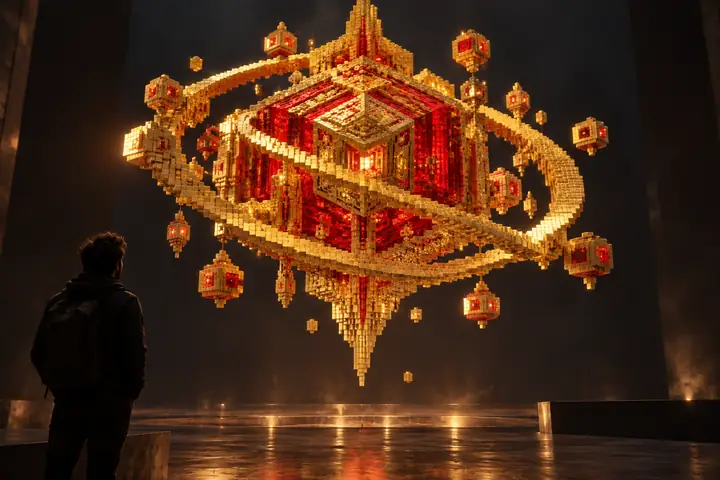
An intricate golden and red voxel sculpture floating above a dark studio floor.

Carry the idea forward

Use the design as a starting point for your next Minecraft project.

Explore the creator
Start creating
Start creating